For directors and the chair
Your actions
See every action you've agreed to, on every board you sit on, and mark them done or update them with a note.
Updated
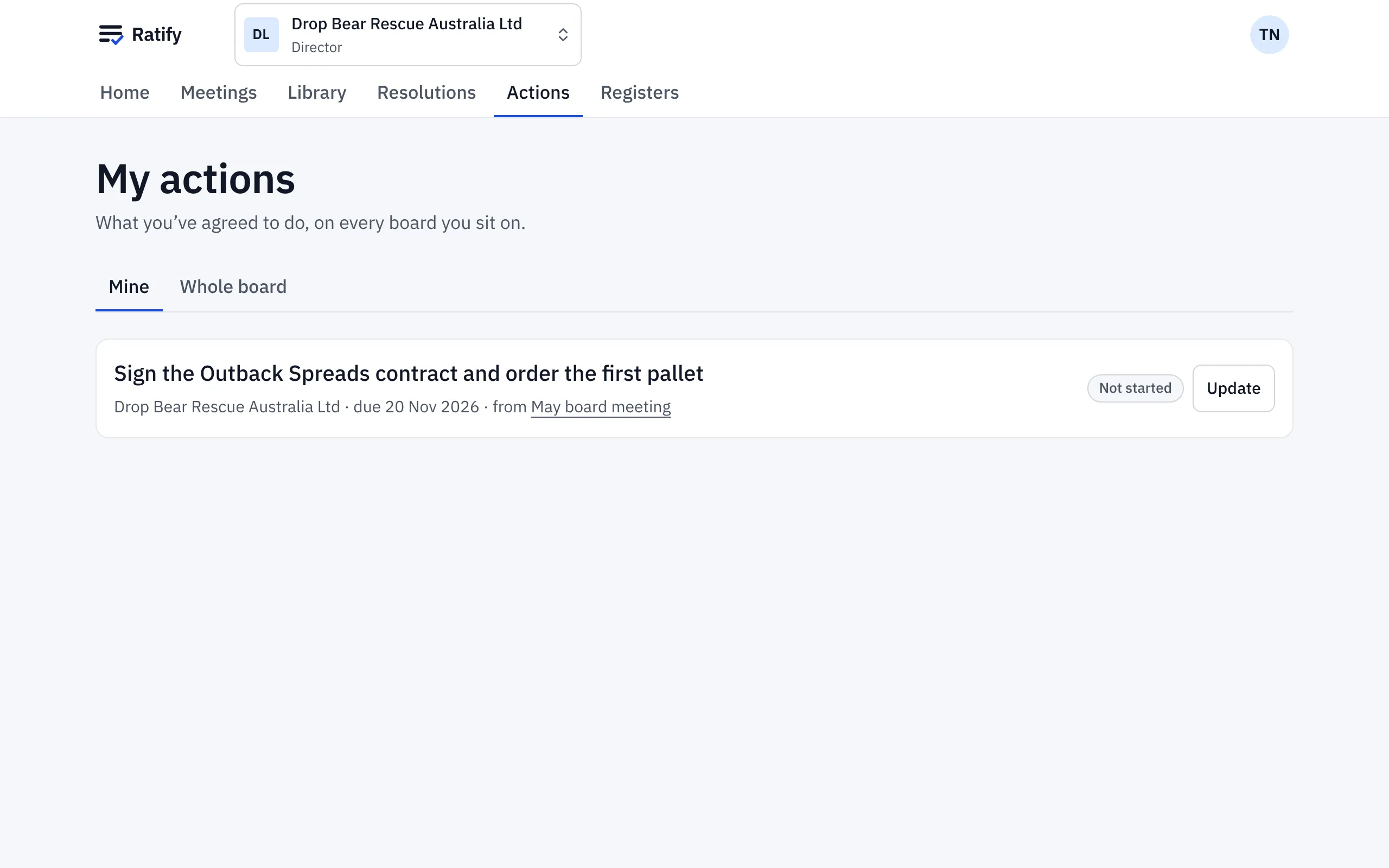
At the May meeting, Tom Nguyen took the action to sign the Outback Spreads contract and order the first pallet of Vegemite. He’s emailed when an action is assigned to him, and it’s waiting in Actions.
See your actions
Actions starts with what you’ve agreed to do on every board you sit on, with the board, the meeting it came from and its due date. Overdue actions stand out.
Update an action
Choose Update on the action. Mark it Done (or set another status), add a note such as “Signed on Friday”, and Save. The company secretary sees the update, and it shows at the next meeting under actions from previous meetings.
Done and cancelled actions move to their own list below, so the top of the page is always what’s still to do.
The Whole board tab lists every action on the board you’re in, so you can see who’s doing what.
Related help
- Running a meeting: attendance, votes and actions
Use In the meeting to record who's there, note conflicts, put resolutions to the vote, record votes given in the room and assign actions as you go.
- Switching between boards
If you sit on more than one board, switch between them from the board name at the top of every page. Each board keeps its own papers and settings.