For directors and the chair
Declaring a conflict of interest
Tell the board about a conflict on an agenda item before or during the meeting, or on a circular resolution. Ratify records it and leaves you out of the vote.
Updated
Aroha Williams’ brother-in-law owns Outback Spreads, one of the companies tendering to supply Drop Bear Rescue’s Vegemite. (Vegemite behind the ears is the folk remedy against drop bears.) She declares a conflict on that agenda item before the meeting.
On a meeting agenda item
- Open the meeting and go to In the meeting.
- On the item, choose Declare a conflict.
- Say what the conflict is, in plain words.
- Choose what you’ll do about it, for example Stay for the discussion but not vote.
- Choose Declare it.
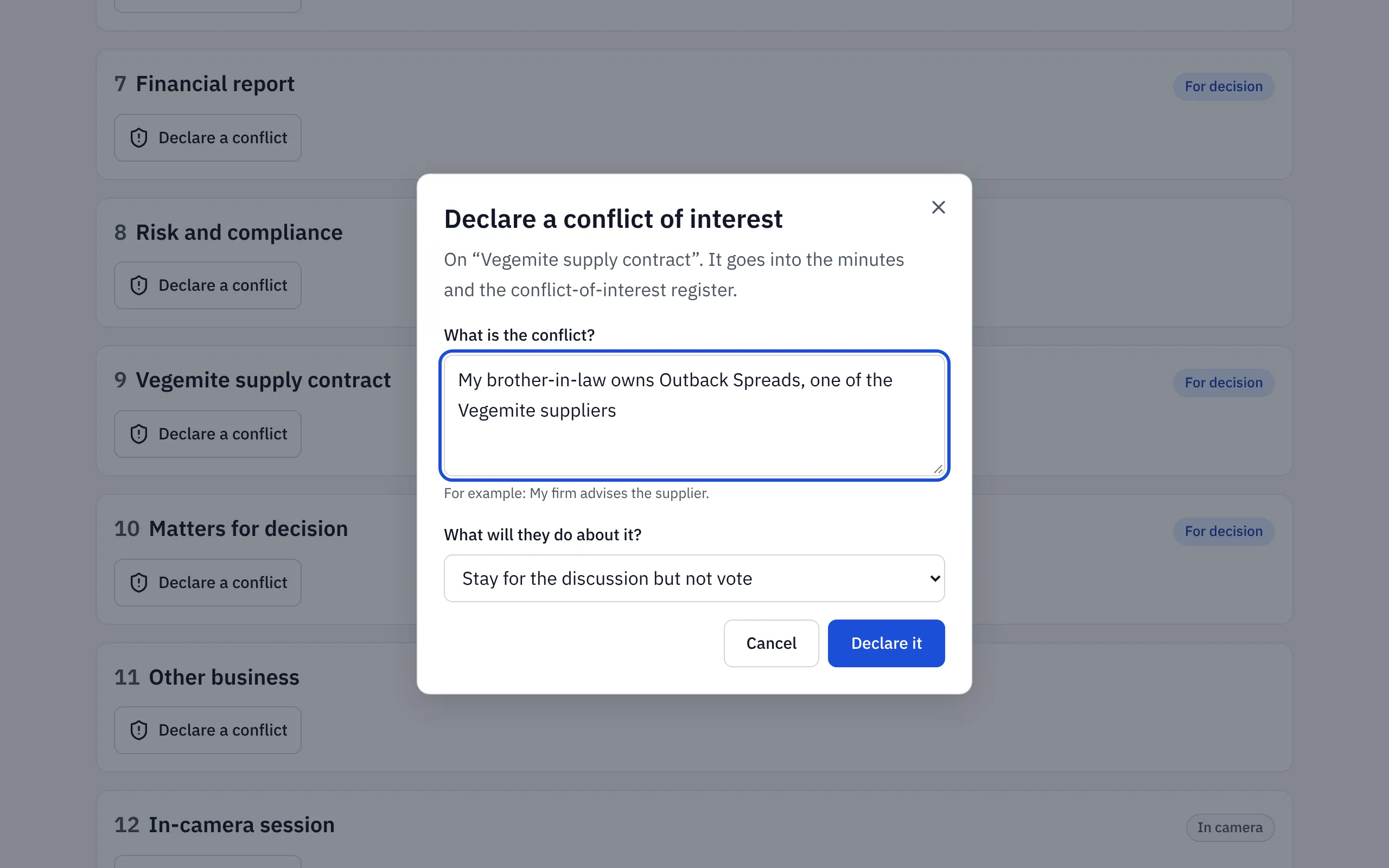
The item then shows that you declared a conflict, and the company secretary sees it straight away.
What happens next
- You’re left out of any vote on that item. You’ll see “You’re not voting on this”.
- If your board withholds papers from a conflicted director, you can no longer open that item’s papers, and later versions of the pack leave them out of your copy.
- The declaration goes into the minutes and the conflict-of-interest register, with what happened. Aroha stayed but didn’t vote.
If you declared by mistake, you can withdraw it while the meeting is still open.
On a circular resolution
Open the resolution and choose Declare it instead of voting. Say what the conflict is, then choose Declare it and don’t vote.
In the room
If a conflict comes up during the meeting, tell the chair. The company secretary records it with Record a conflict.
Related help
- Voting on a resolution
Vote For, Against or Abstain on a resolution in a meeting or between meetings. Your vote is final once you confirm it, and you can see how each person voted.
- The decision and conflict-of-interest registers
Every resolution and every declared conflict, in two registers Ratify keeps for you, with links to where each was decided, and a CSV download.
- Board settings: watermarks, conflicts and sign-in
Choose whether board packs are watermarked, whether directors can read offline, whether a conflict withholds papers, and how members sign in.